MacBook Charging Basics for Everyday Users
Charging your MacBook properly is vital for keeping it working smoothly and extending the battery’s life. With different MacBook models and battery types, knowing how to charge your computer correctly may make a major difference in its performance over time. Incorrect charging techniques can shorten your device’s battery life or cause harm, resulting in costly repairs or replacements. Whether you use your MacBook for business, school, or personal projects, understanding how to charge it properly helps guarantee you get the most out of your computer and its power efficiency. In this article, we’ll go over crucial MacBook charging recommendations and how to keep your battery healthy.

How to Charge Your MacBook Correctly?
Understanding MacBook Power Adapters
The power adapter is an essential component for charging your MacBook. It connects your gadget to an electrical socket and powers your MacBook’s battery. Apple offers a charger with each MacBook model, and it is critical to use the proper adaptor to avoid harming your device. Adapters exist in a variety of power outputs, so be sure you’re using one built for your specific MacBook model. Using third-party adapters that are not MFI-certified might cause overheating and battery damage. Always check the adapter for wear and tear, since broken cables or adapters might cause inefficient charging.
How to Safely Plug In and Disconnect Your MacBook
Make sure the connection is tight and clear of dust or debris before plugging in your MacBook charger. The connector may be damaged if the charging cable is forced into the port. Connecting your MacBook to a reliable power supply is crucial. Avoid tugging the cord when disconnecting it, since this might harm the charging port and the cable. Try using a different outlet or changing the adapter if the charger becomes too hot or fails to charge your MacBook. Safe and effective charging is ensured by keeping the charging area clear of obstacles and clean.
Best Practices for Charging Your MacBook
Charge your MacBook frequently to keep its battery healthy, but don’t leave it plugged in all the time. If you want to store your MacBook for extended periods of time, it is best to charge it to about 50%. A battery’s longevity may be strained if it is repeatedly allowed to drop below 0%. In general, it’s a good idea to charge to full capacity starting at about 20%. Furthermore, charging your MacBook might produce heat, so make sure the area is cold and well-ventilated to avoid overheating. Last but not least, stay away from using your device in extremely hot or cold environments, as this may impact battery life and charging.
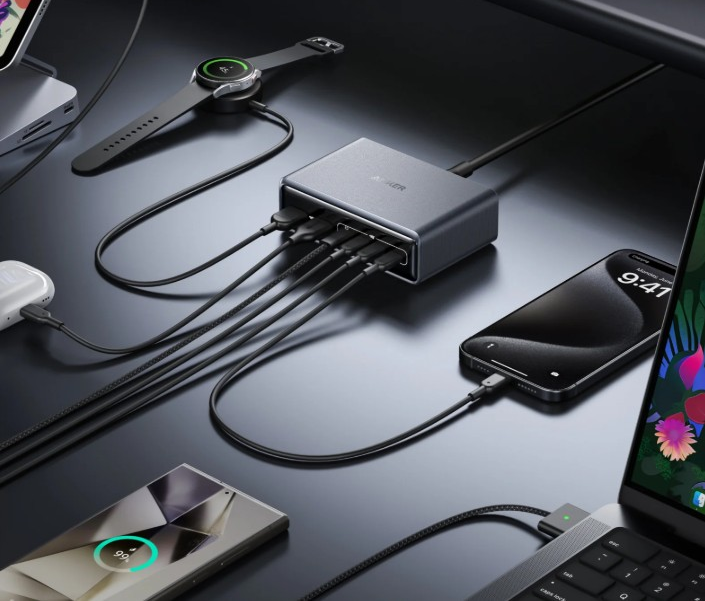
Tips to Extend Your MacBook Battery Life
Optimal Charging Habits for Longevity
Charging your MacBook intentionally is one of the most effective methods to extend battery life. Ideally, keep the battery level between 20% and 80% for normal usage, since charging to full capacity too frequently might cause battery deterioration over time. Avoid frequent deep discharges (letting it get to 0%), since they place undue strain on the battery. If you’re working on a long job, keep the charger plugged in whenever feasible, but don’t leave it plugged in all the time, since this might reduce the battery’s total lifespan. These tips can help maintain your MacBook’s battery health for longer.
Using Battery Health Management Settings
MacBooks have a Battery Health Management system, which extends the battery’s life by slowing chemical aging. This technology will automatically change the maximum charge based on your usage habits. To enable this option, navigate to your MacBook’s system preferences and choose the “Energy Saver” or “Battery” settings. Using this tool, your MacBook will not always charge to its full capacity, preventing the battery from overcharging. Activating Battery Health Management is a simple way to improve your MacBook’s overall battery efficiency and durability.
Managing Energy Settings for Longer Battery Life
Adjusting your MacBook’s energy settings will help you get the most out of its battery. You may lower the screen brightness, switch off superfluous background programs, and disable Bluetooth or Wi-Fi when not in use. Furthermore, macOS lets you change energy settings under the “Energy Saver” tab of “System Preferences,” where you may instruct your MacBook to enter sleep mode after a period of inactivity. These small changes ease the load on the battery and lower power usage. You can maximize the life of each charge by controlling both hardware parameters and usage behavior.
Conclusion
Proper charging techniques, along with mindful battery management, play a significant role in ensuring the longevity of your MacBook’s battery. You may increase the performance and lifetime of your device by following recommended practices such as avoiding deep discharges, using a suitable charger for mac, and utilizing built-in features like Battery Health Management. Regularly adjusting your MacBook’s power settings might also help avoid needless battery consumption. Overall, charging your MacBook with care offers a longer-lasting, high-performance computer, allowing you to focus on what is most important—getting things done.